Field app for Android and iPhone
Tap a tag. Get on with the job.
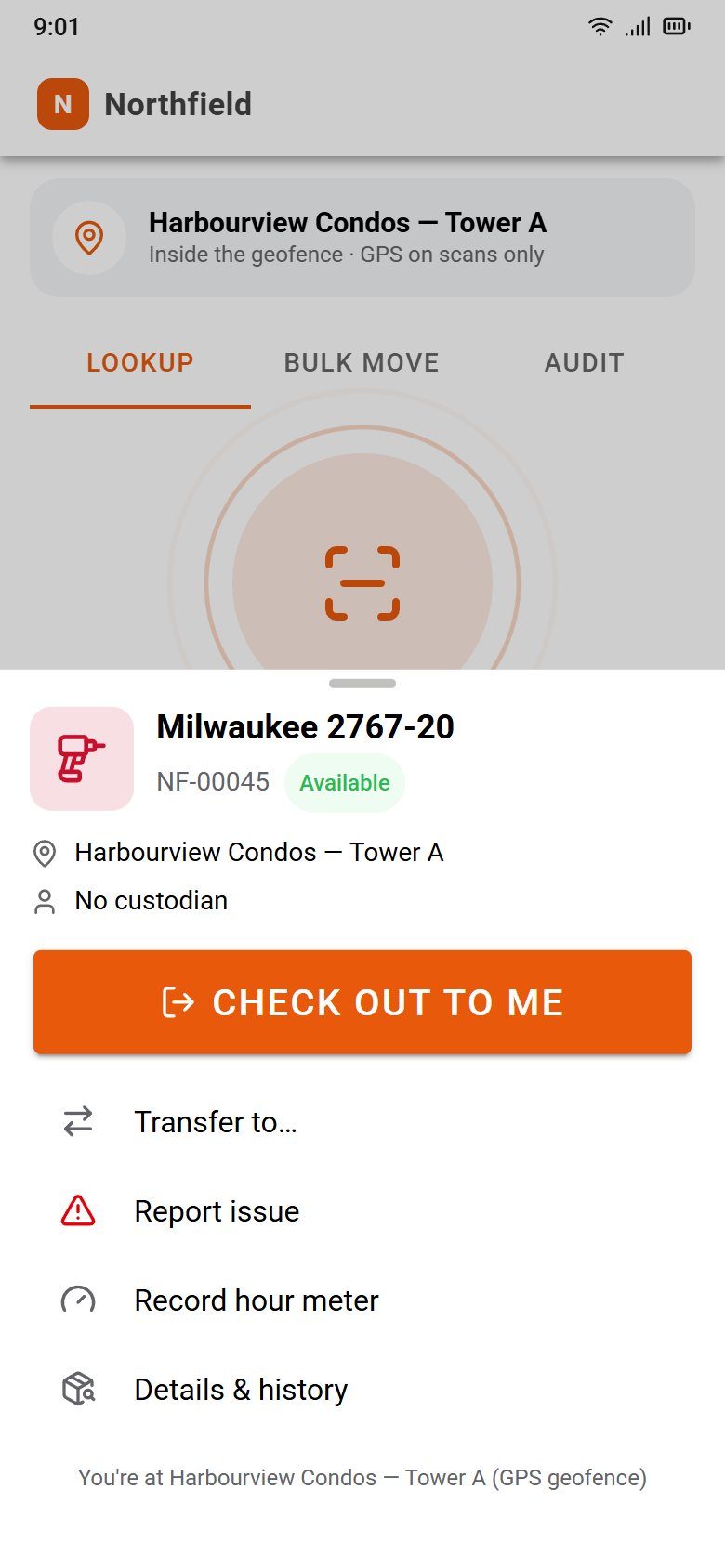
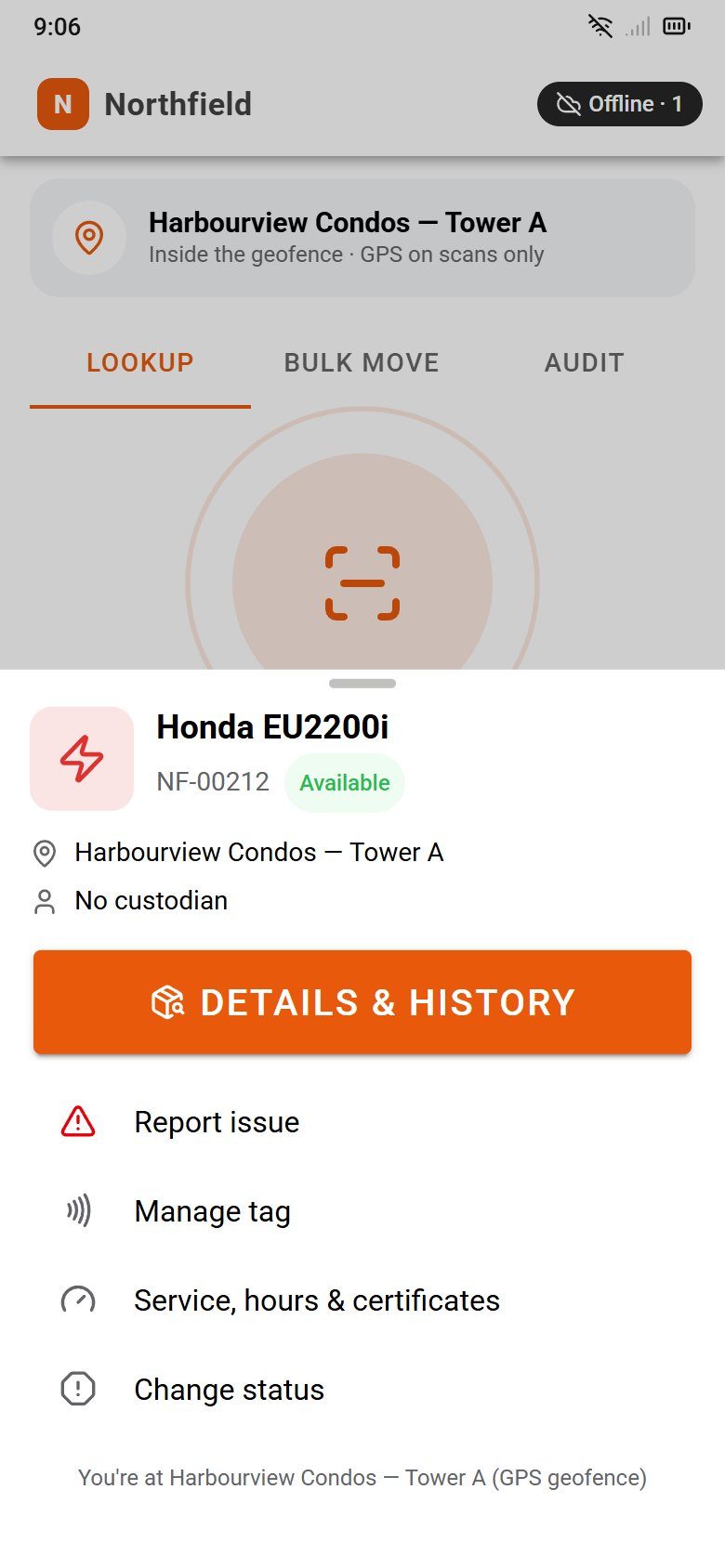
Hold the phone near a tool and ToolTrack offers the one thing you most likely want to do: check it out, return it, move it here, or look it up. Scanning is faster than not scanning.
Tap
NFC tags on every tool, write-protected so nobody can overwrite them. QR labels work too, through the camera.
See
The tool, its status, where it's assigned, who has it and when it's due back. The last 90 days of history are one tap away.
Act
One big button for the likely action, chosen from where you are, what mode you're in and the tool's state. Everything else sits right below it.
Three ways to scan
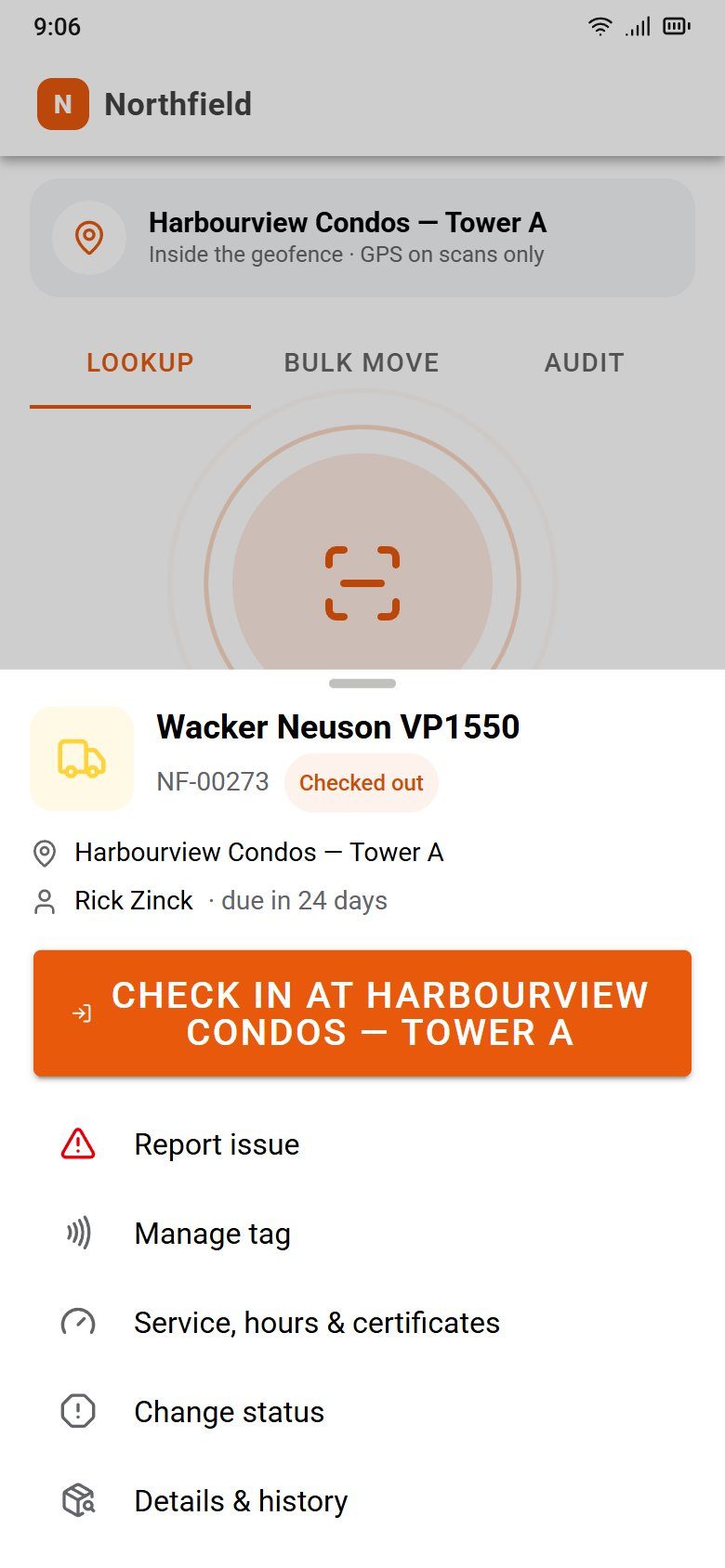
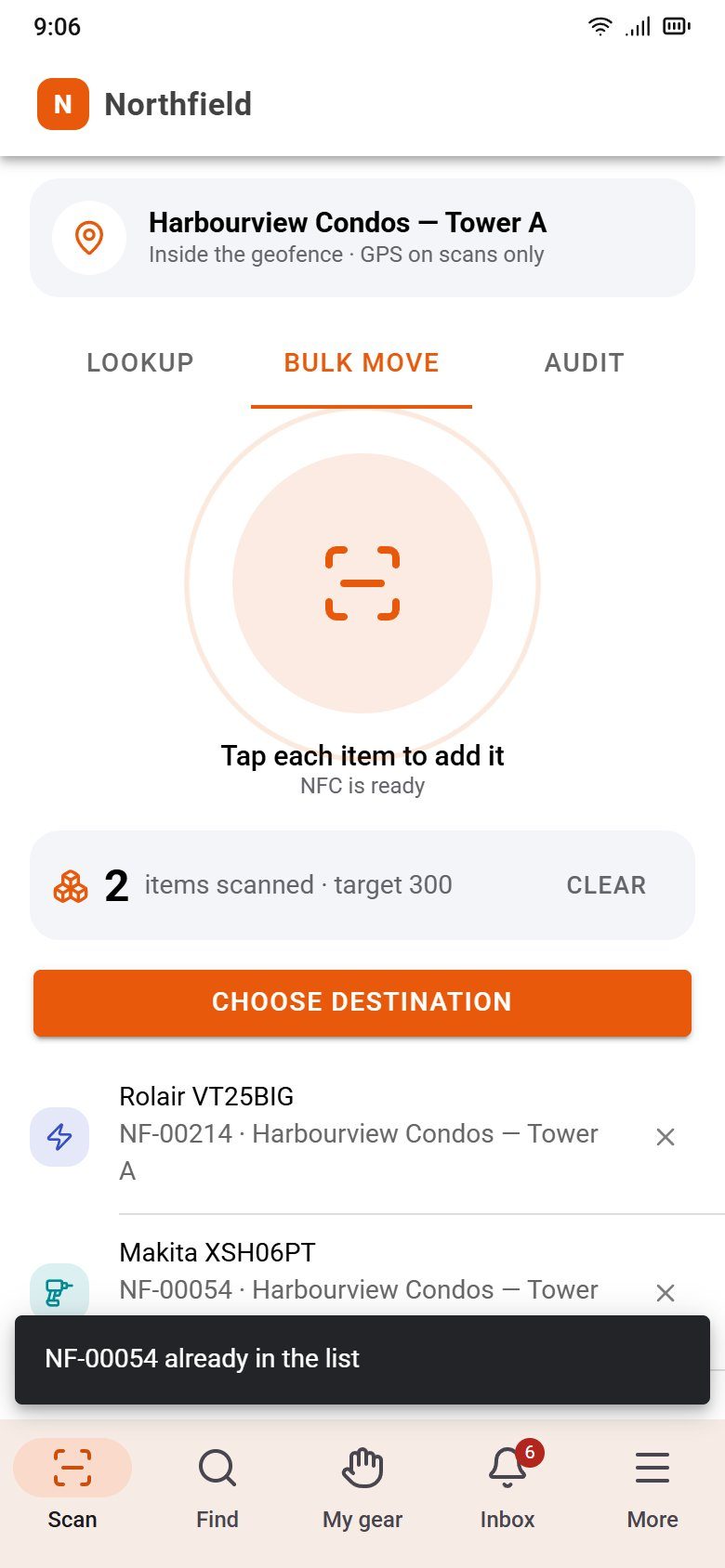
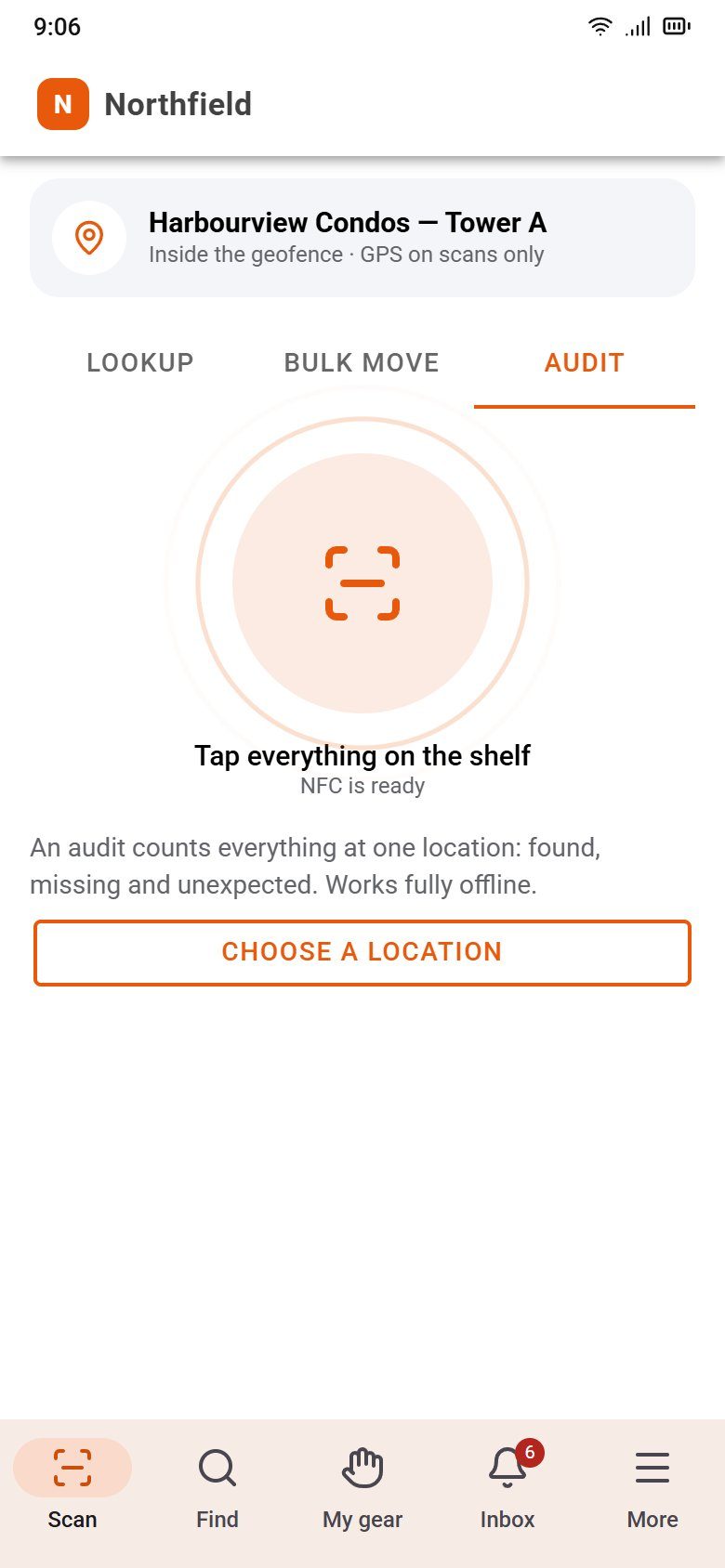
Lookup, bulk move, audit.
Switch modes at the top of the Scan screen. Each one changes what a tap does.
Offline first
Basements, tunnels and the back forty.
The phone keeps a copy of everything it needs to look tools up. Scans and actions queue on the phone and sync in the order they happened when the signal comes back.
- A full day on a truck with no signal syncs cleanly
- Conflicts are resolved for you and logged, not thrown back at the crew
- Only binding a new tag needs a connection
The rest of the app
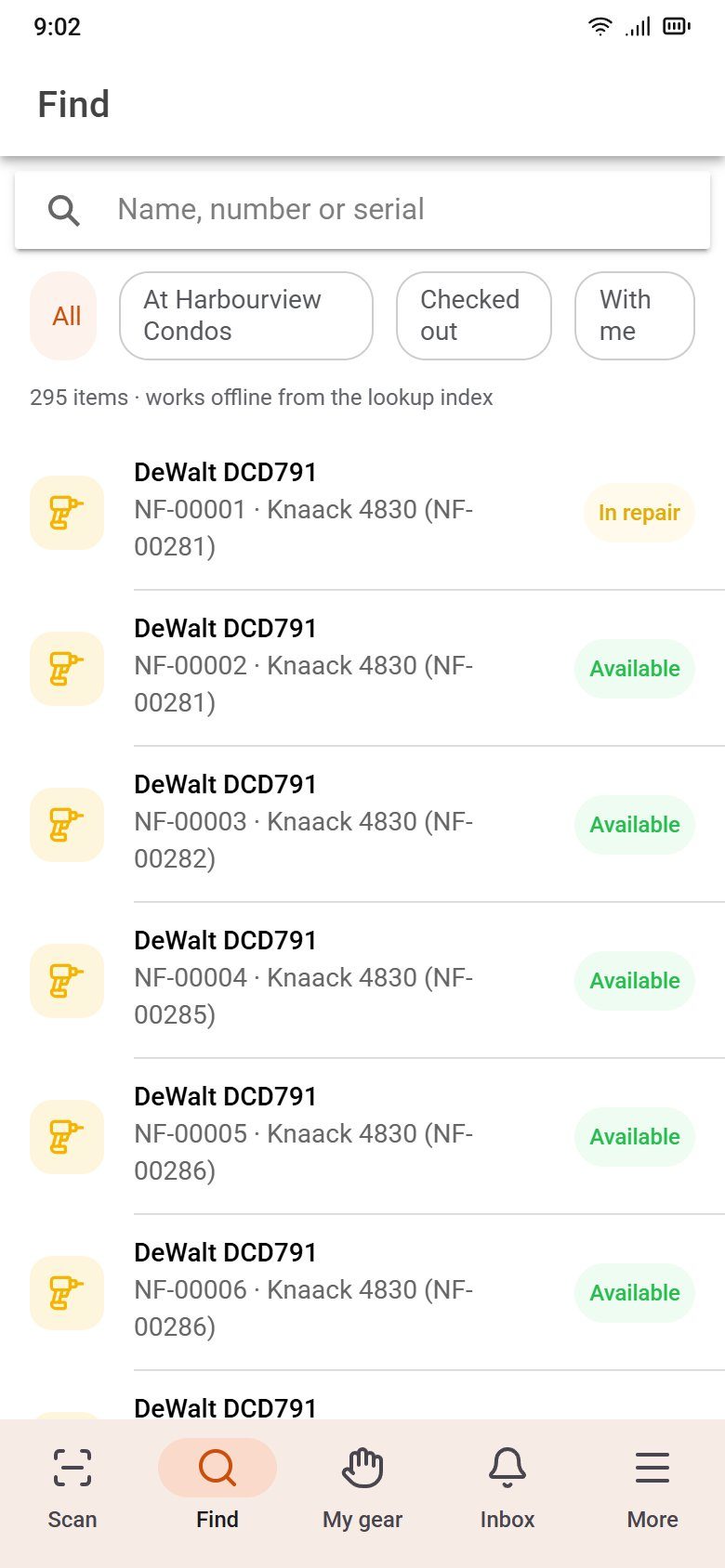
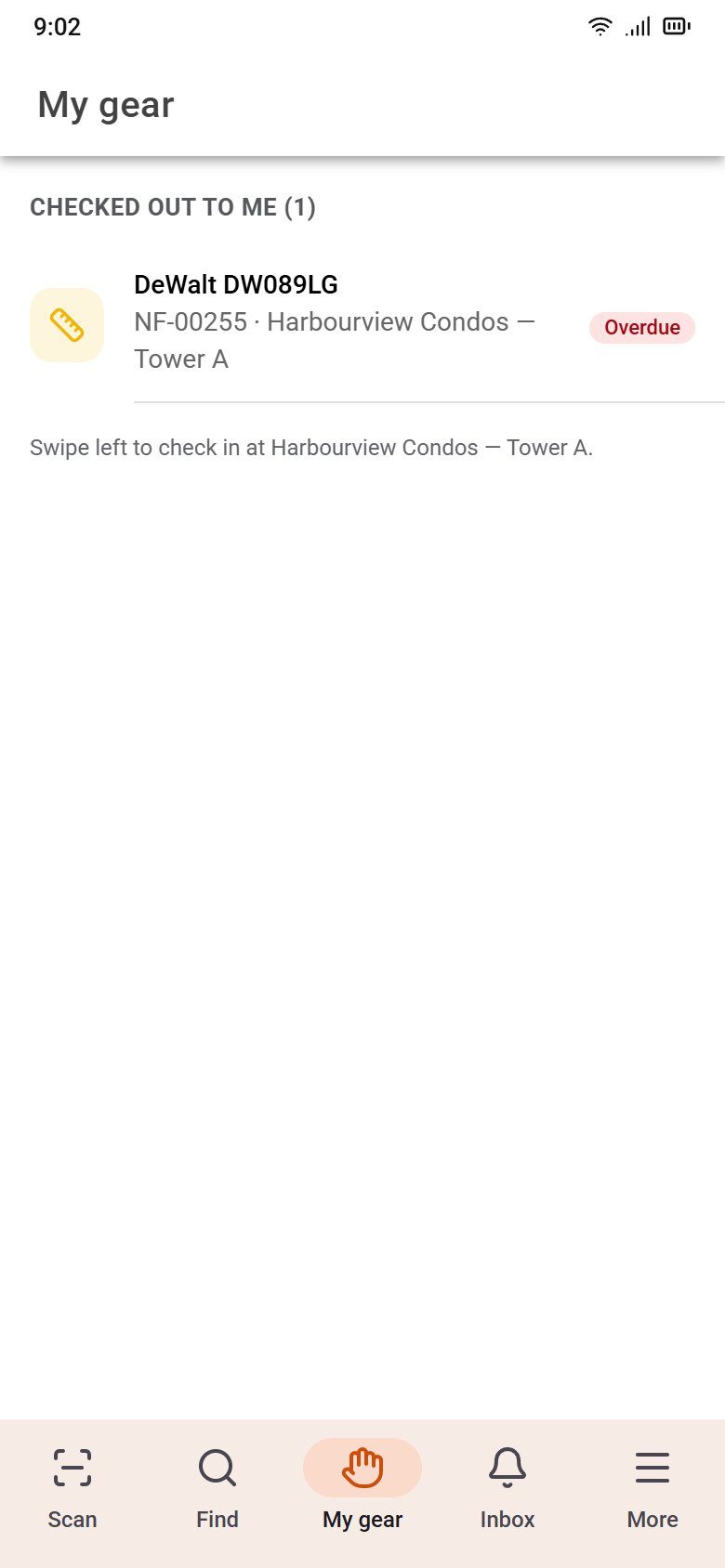
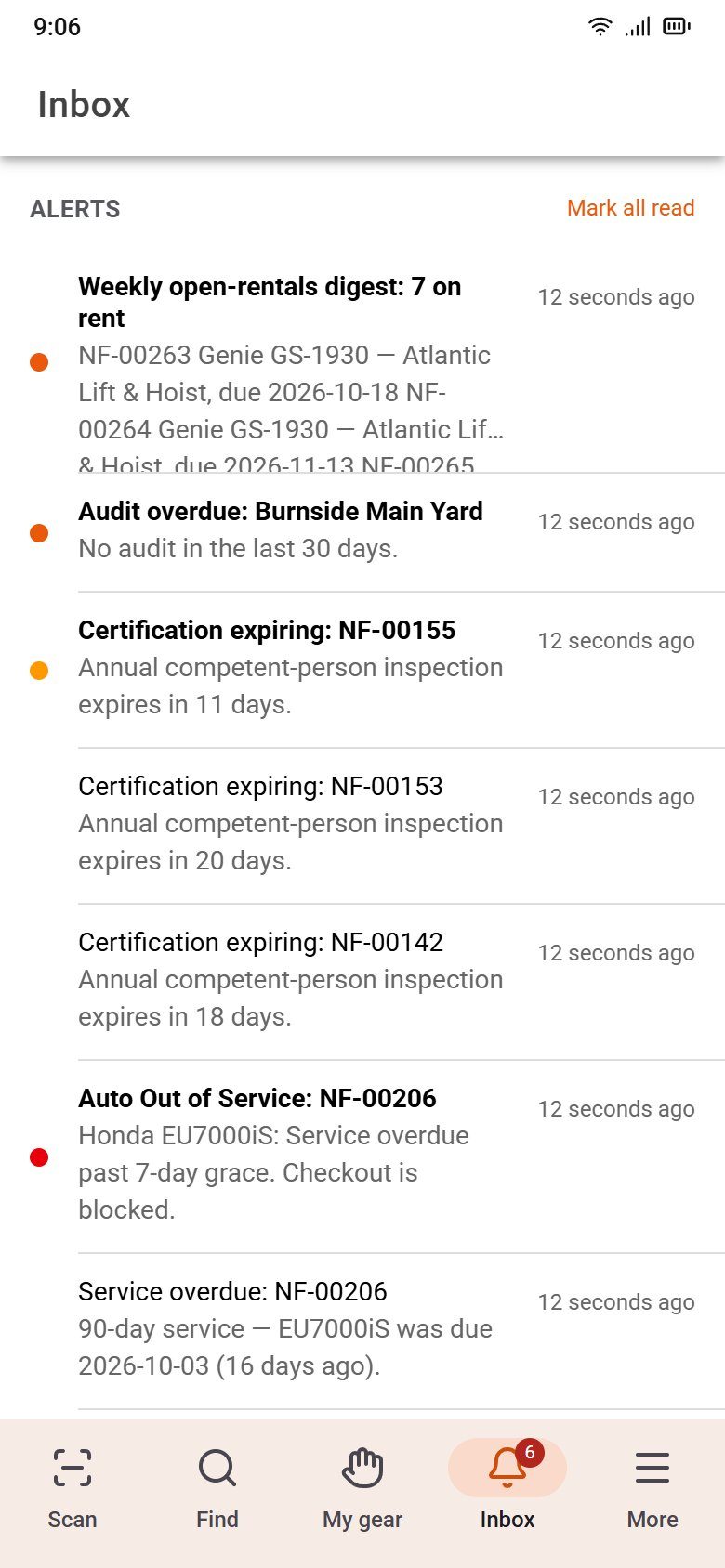
Find it, carry it, hear about it.
Made for site conditions
Gloves, glare and shared phones.
Glove-sized controls
Every button and field is at least 56px tall. Primary actions sit at the bottom, in reach of your thumb.
Bright light theme
A high-contrast theme for phones in full sun, with every line of text readable outdoors.
Shared crew phones
Sign in with a PIN or by tapping your badge. Switch users in a second, so every scan is still yours.
Report issue with photos
Damaged, broken or lost? Snap photos and open a repair ticket from the tool itself.
Location on scans only
The phone records where it is at the moment of a scan, if your company turns it on. Never in the background, never after work.
Your phone, the office scanner
Pair your phone with the web app and every tag you tap opens, binds or counts inside the page on your desk.
See what your crew would see.
Book a demo and we'll walk through a day on the phone: check-outs, a truck load, an audit and an offline sync.